YOUR TEST DRIVE STARTS HERE
See AutoAdmin
in action.
Browse screenshots from the workshop ERP and try key workflows using fictional records.
Follow one workshop job
A sample Toyota Aqua from gate check-in to gate-out, captured in AutoAdmin.
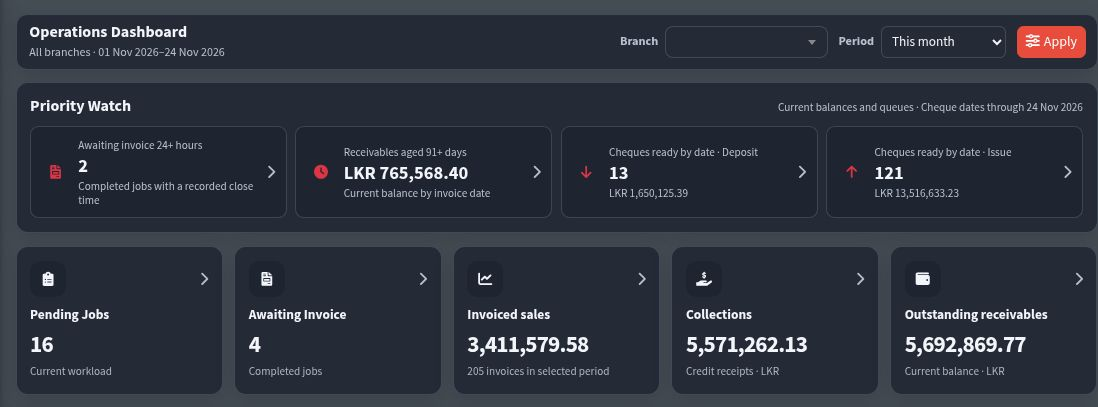
See the AutoAdmin workspace
These screenshots come from the AutoAdmin demo. Confidential details are masked.
Operations dashboard
See jobs awaiting billing, receivable balances, cheque queues and overall workshop workload in the redesigned dashboard.
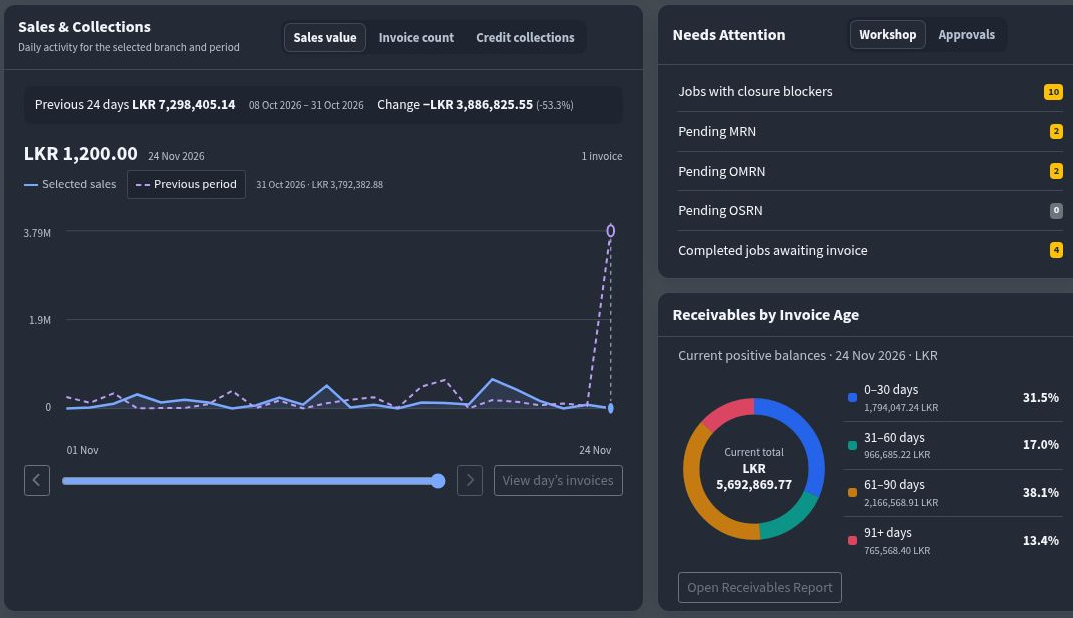
Dashboard sales and receivables
Compare activity periods, review workshop blockers and drill into outstanding invoice balances.

Live workshop job queue
Find the sample vehicle and open its job, parts and completion actions from the dashboard.
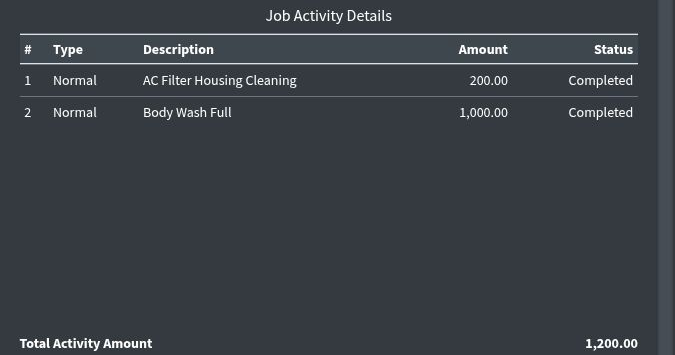
Completed workshop activities
See completed activities and the labour subtotal recorded on the sample job card.
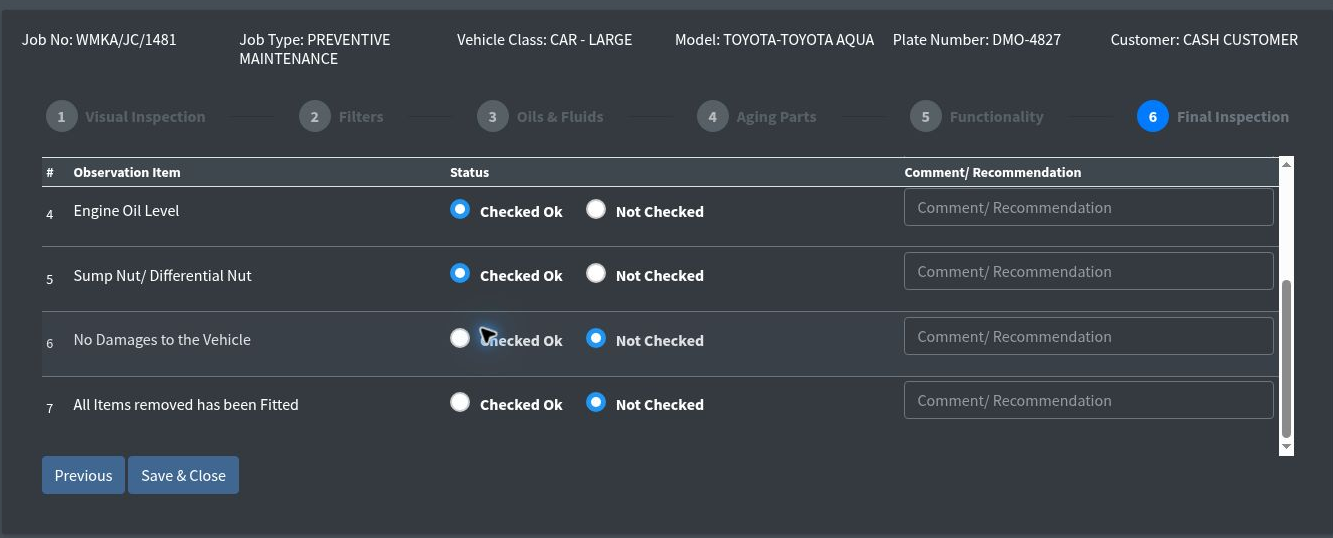
Final vehicle inspection
Review the last stage of the six-step inspection for the completed sample vehicle.
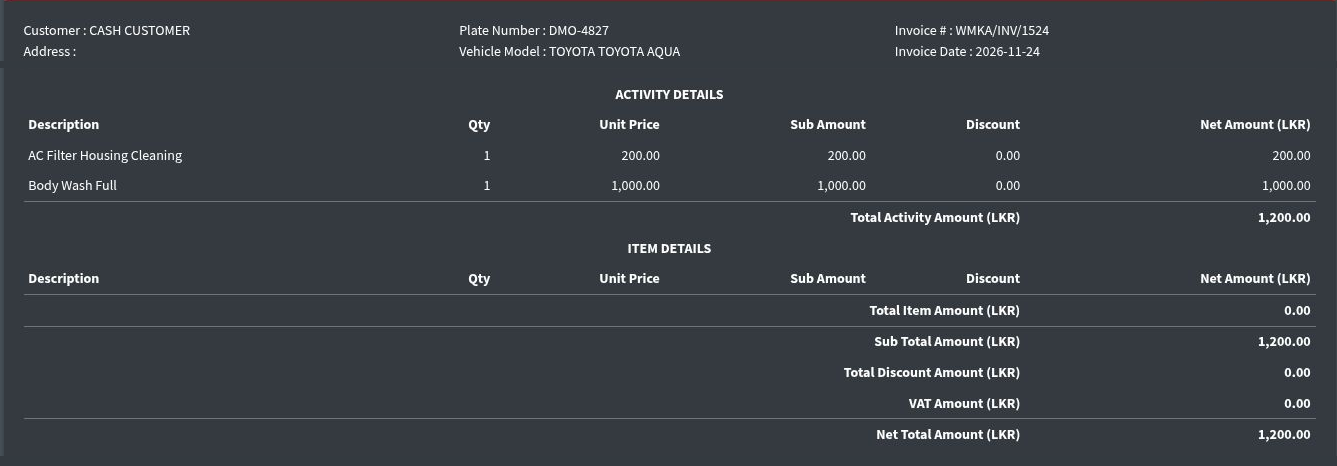
Posted workshop invoice
See completed work appear on the posted LKR 1,200.00 demo invoice.

Job card intake
Start a workshop job by looking up the vehicle registration number.
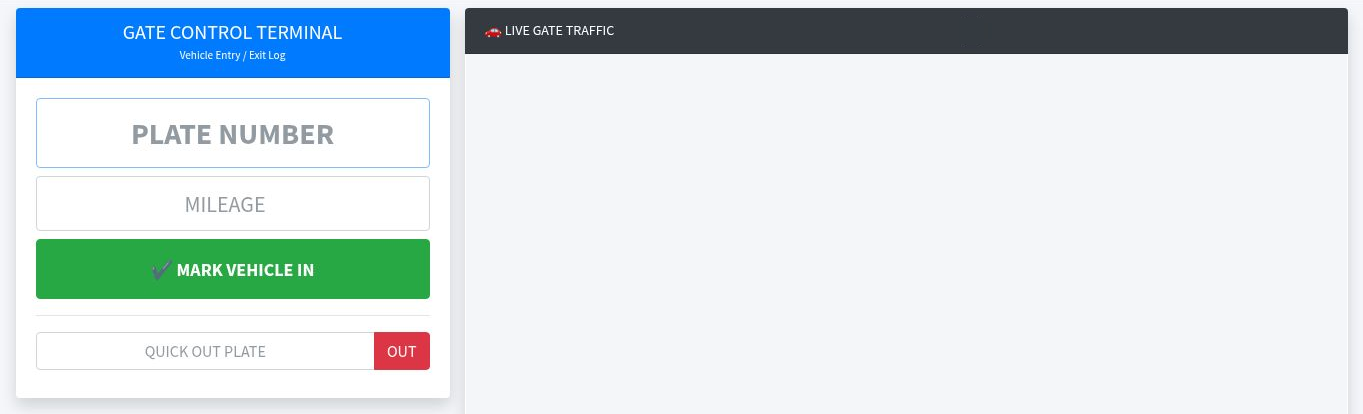
Vehicle gate control
Record a vehicle’s registration and mileage on entry, search vehicles on site and mark a vehicle out.
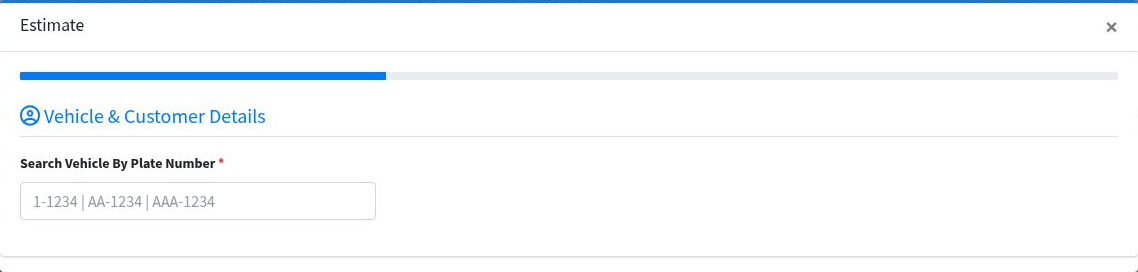
Insurance estimate intake
Start an estimate with a vehicle and customer lookup, and select the insurer when applicable.
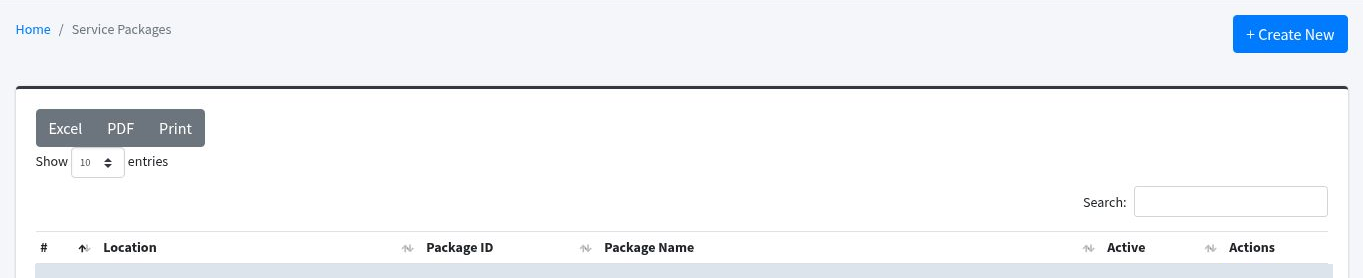
Service packages
Maintain reusable workshop service packages for recurring jobs.
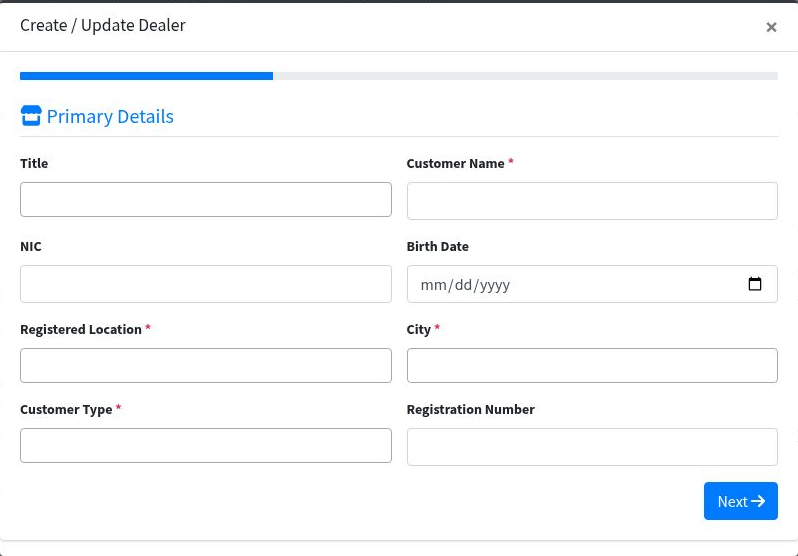
Customer registration
Capture customer identity and contact details in the customer registration workflow.
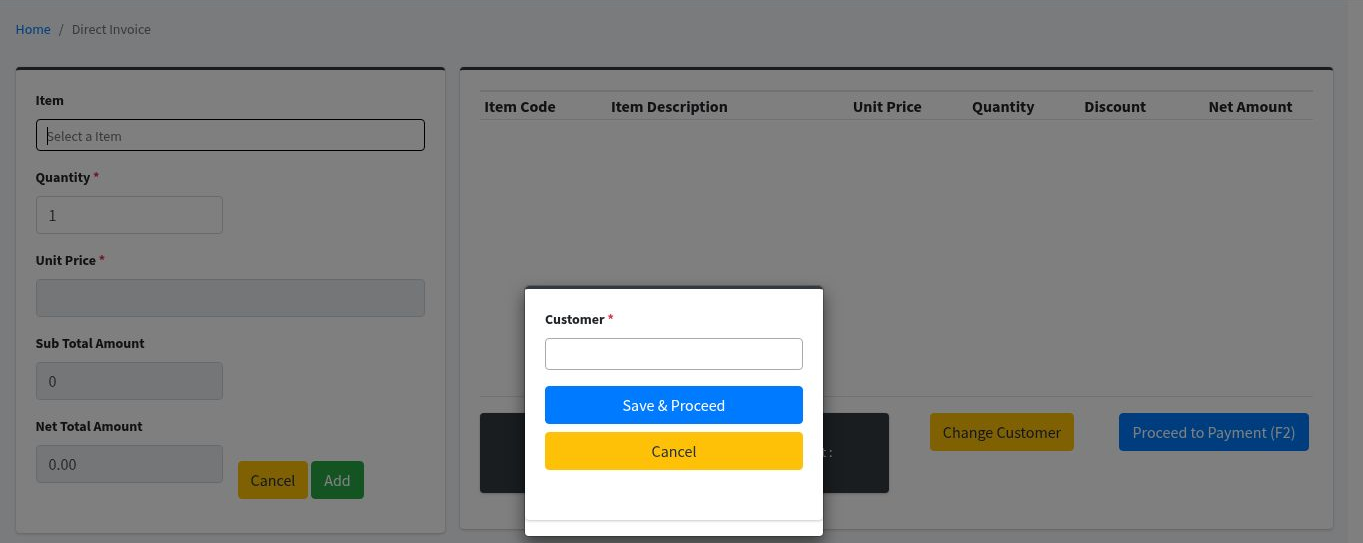
Direct invoicing
Select a customer and enter items, quantities, prices and discounts before proceeding to payment.
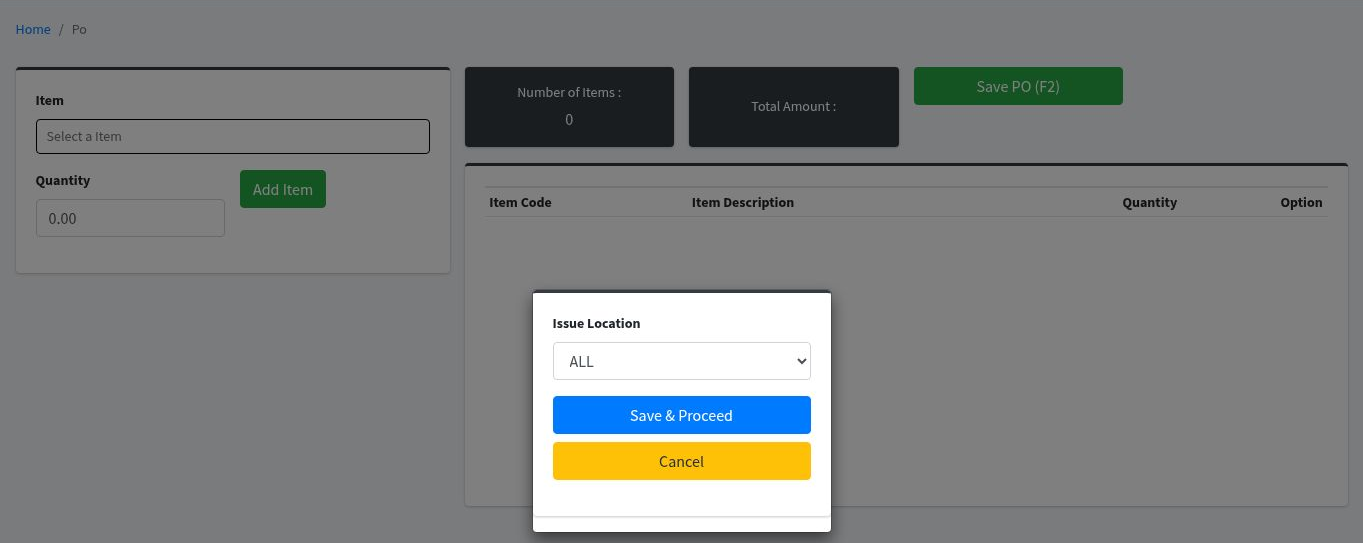
Purchase orders
Build supplier purchase orders with item quantities and pricing.
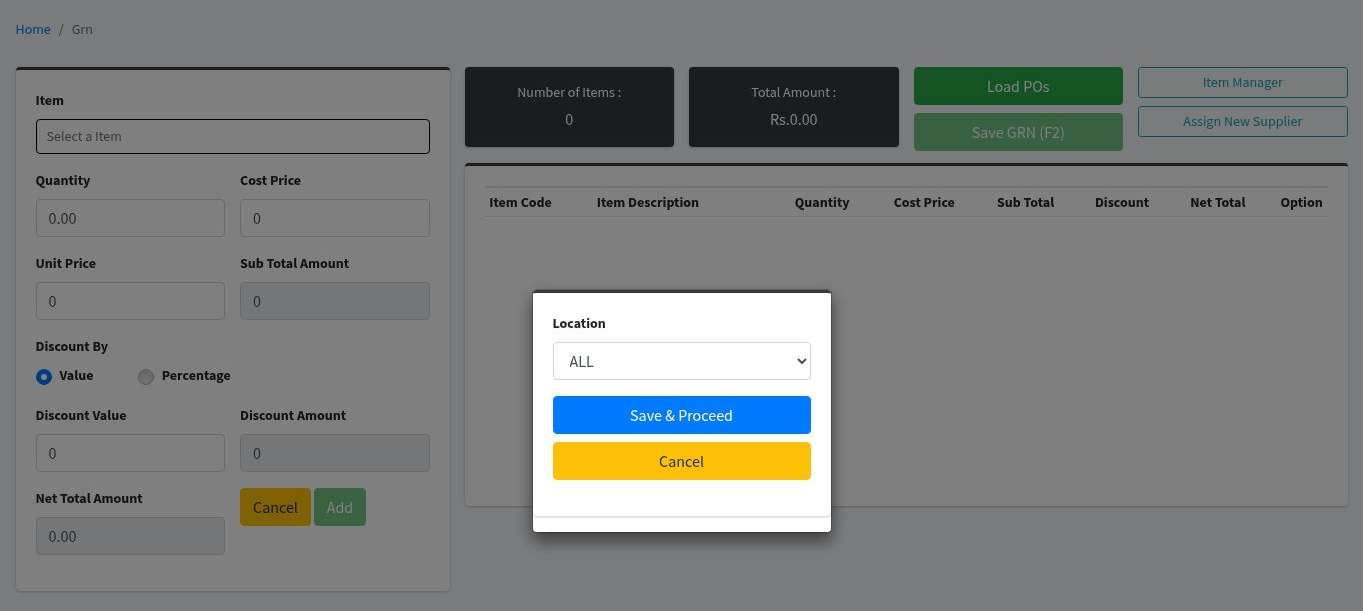
Goods received notes
Load a purchase order into the receiving workflow, check costs and quantities, and record a GRN.
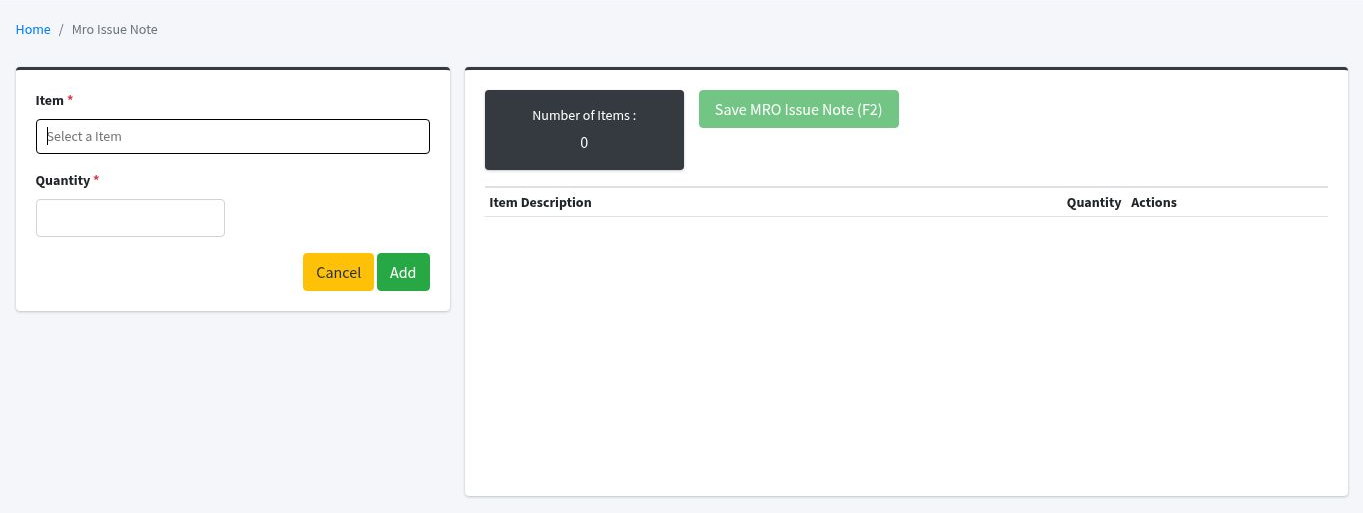
MRO issue note
Issue maintenance, repair and operations supplies with a dedicated item and quantity form.
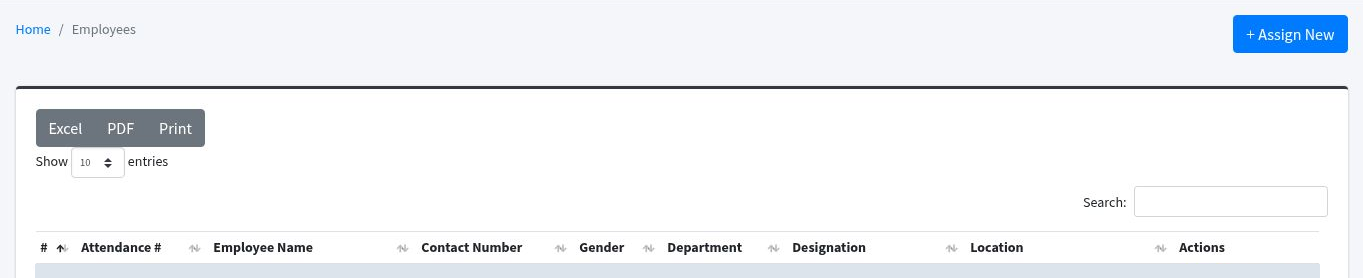
Employee directory
Maintain employee records for branch HR and payroll operations.
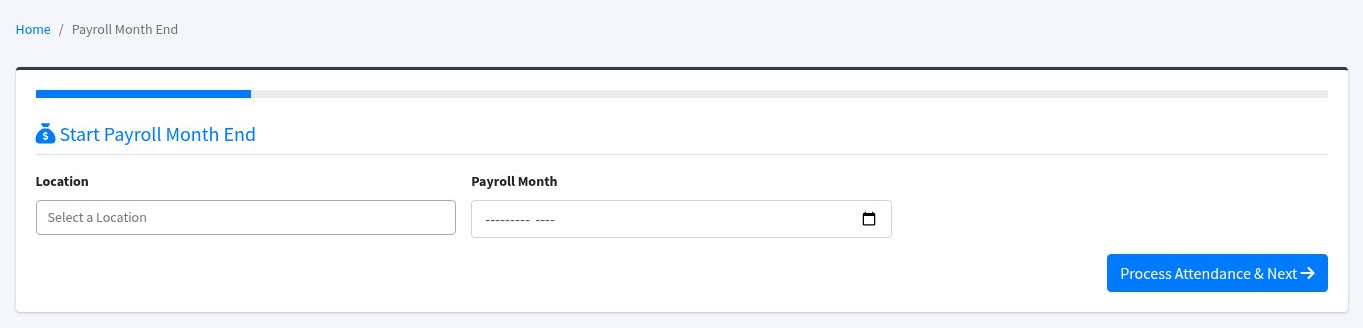
Payroll month end
Select a location and payroll month, then proceed to attendance processing.
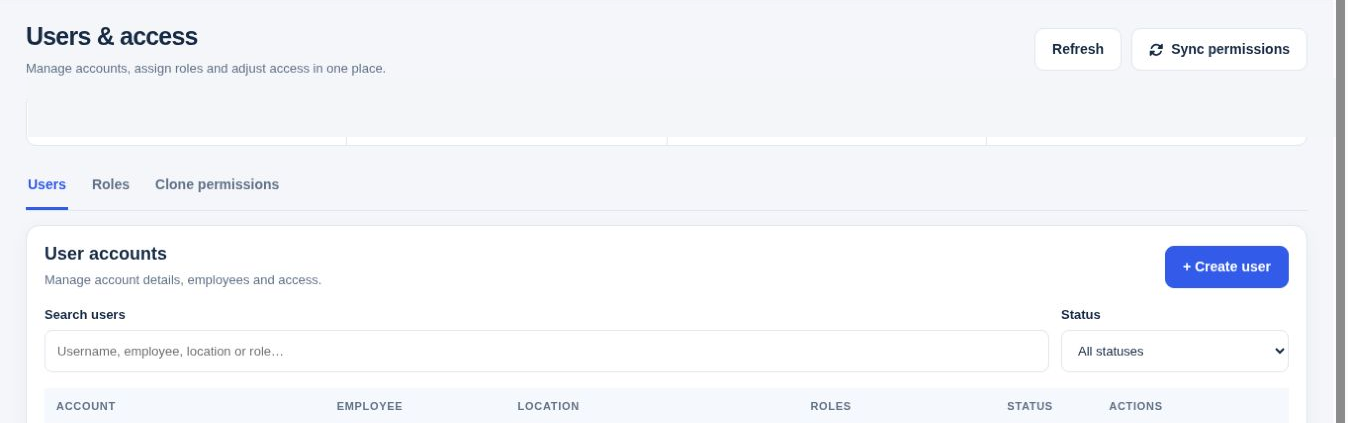
Users and access
Manage accounts, link employees, assign roles and clone permissions.
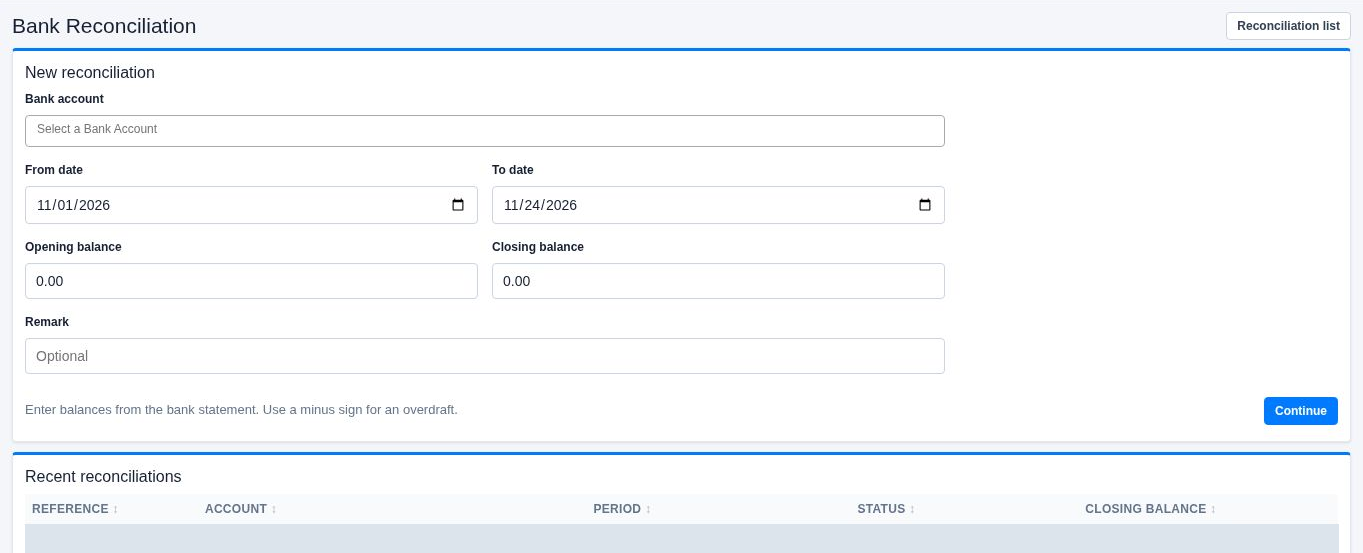
Bank reconciliation
Select a bank account and statement period, then enter opening and closing balances for reconciliation.
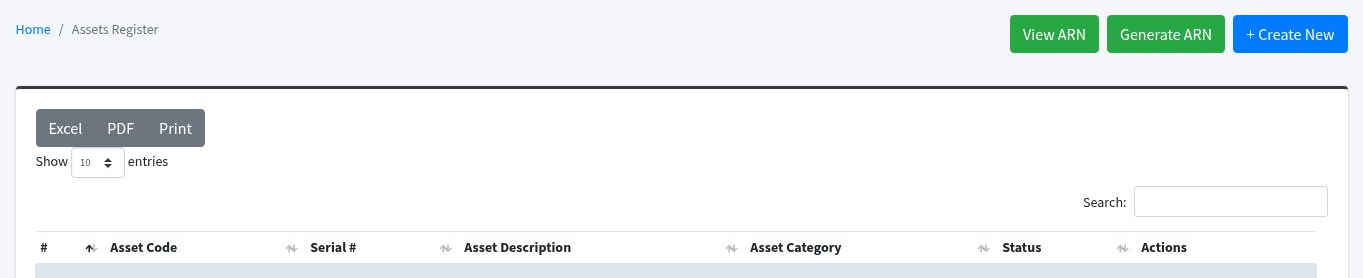
Asset register
Find business assets by code, serial number, category and status.
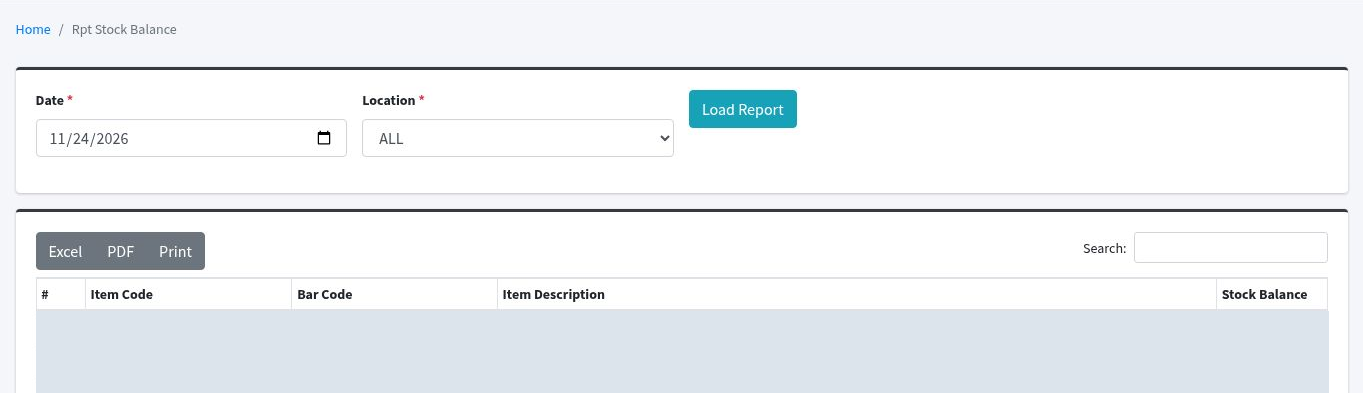
Stock balance report
Filter inventory balances and review stock by item and location.
THE AUTOADMIN WAY
One connected journey.
Zero disconnected steps.
Follow a vehicle through your business, from its first arrival to its next service.
YOUR NEXT CHAPTER
Put your business
in the driver’s seat.
See how AutoAdmin can work for your workshop.